DR credentials
Where to read the DR username and password, what they are for and who can see them.
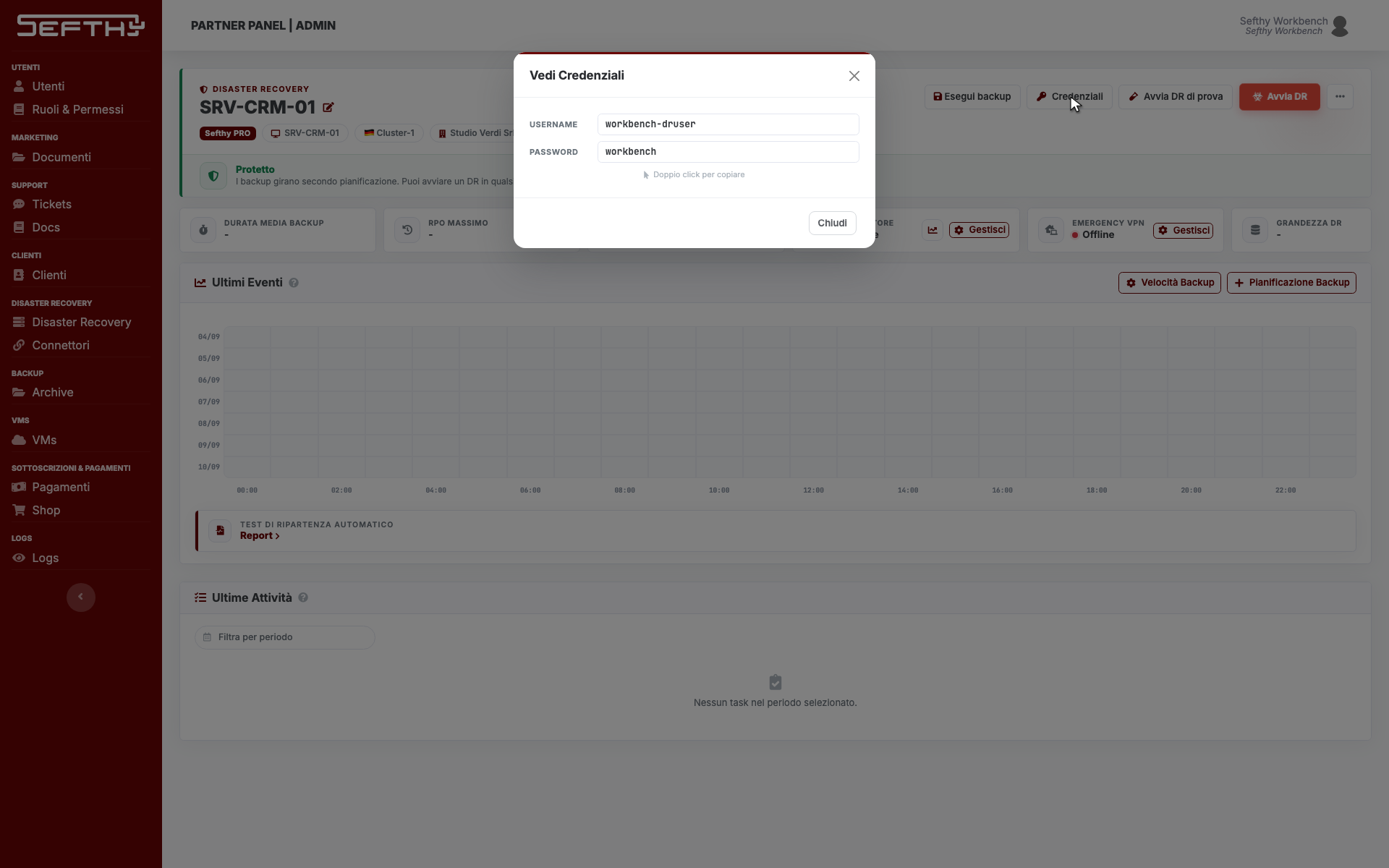
Every DR has its own backup account, a username and a password, that the Sefthy Agent installed on the server uses to reach the Sefthy storage. In the Console you read them from the DR page, in a modal that opens from the action bar.
Where to read them
- Open the DR page.
- In the action bar at the top click Credentials, the button with the key. The View Credentials modal opens.
- Double-click the value you need. It goes to the clipboard and the Copied tick appears next to it.
What they are for
These are the credentials the Sefthy Agent uses to authenticate. When the onboarding went through you never type them, because the agent gets them from the Console and configures itself. You need them on the manual paths:
- when you install the agent by hand on a server that cannot use the wizard
- in the return on-premises, where the first step asks you to download the agent and enter these credentials
- in the local restore, both for the Recovery ISO and for the login on the repaired machine
In the setup wizard, when you go on with the manual installation, the same credentials show up in the Agent credentials box, with a View Credentials button that reveals the password.
What to keep in mind
The password is shown in clear and it does not expire. The Console has no button to regenerate it, so treat it as a service credential. You hand it to whoever has to install or restore, and you do not leave it in a shared document.
Anyone without the permission sees neither the button nor the modal. Sefthy staff who open the same modal without that permission see the username only, never the password.
If the button is not there
During a local restore the Credentials button disappears from the bar, because at that stage the credentials are already in the restore stepper. If it is missing while the DR is idle, the reason is the permission. Check the profile assigned to the user.